




In this age of technology, the importance of managing an online id is more than ever. RapidIdentity is a robust identity and access management platform that is designed to be easy, fast and safe for organizations of all sizes. Whether in a school, district, campus or business, whether it’s local LAN access to files and applications or cloud-based resources and identity management for government institutions.
RapidIdentity takes the guesswork out of digital identity. It lets admins manage who has access to what resources, and makes it easy for users to have a simple browsing experience. This approach both enhances security and eliminates wasted time and mistakes introduced by manual assignment.
What is RapidIdentity?
RapidIdentity is an Identity and AccessManagement (IAM) solution. It provides a way for companies to manage a user’s online identity in one place. The system tracks login names,passwords, roles and access rights.
RapidIdentity has single sign-on (SSO) capabilities, so users will only have to remember a single password and can log in once and access any applications they are authorized to use. This rigging smooths the digital journey for students, workers and others users. It also enables multi-factor authentication, which adds an extra layer of security and helps accounts get protected against hacks and unauthorized access.
How RapidIdentity Works
RapidIdentity unifies all user accounts in a single platform integration. It tells you who a user is and what they can access. It automatically updates the permissions when a user is added, removed or changes roles within your organization.
If you have a student who graduates, an employee who moves to another department, or someone with any change in status, RapidIdentity will adjust those rights right then and there. This minimizes security threats and ensures the appropriate individuals have access to resources at all times. Administrators have the ability to take advantage of robust usage reports on user activity as well, which promotes easy and fast monitoring.
Benefits of Using RapidIdentity
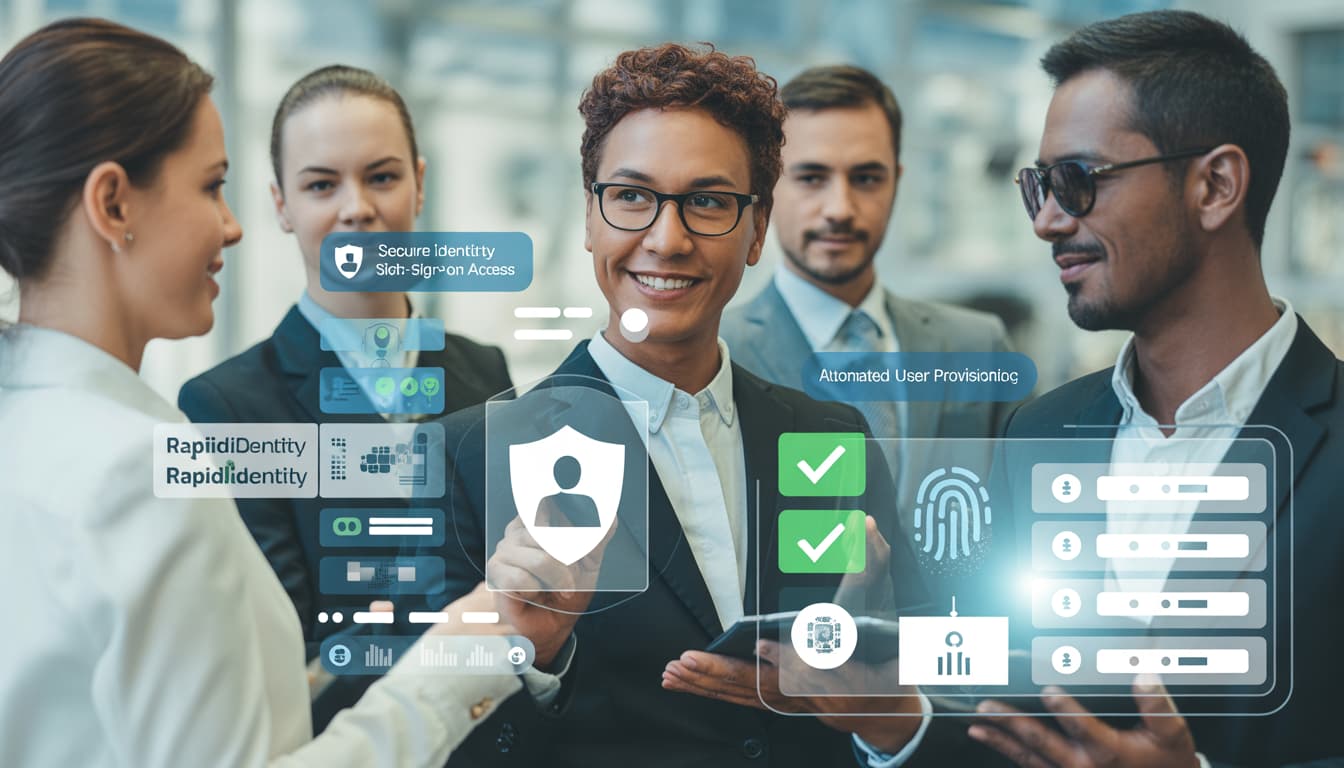
Some advantages that organizations gain from using RapidIdentity are:
Improved Security: Utilizes advanced forms of authentication to safeguard confidential information.
Saves Time: Automation of account management and minimization of manual work.
User-friendly: Should be easy to use for administrators as well as end-users.
Single Sign-On: Log in once to access our suite of applications.
Applicable across businesses: Suits small to large organizations.
With security in speed, RapidIdentity delivers lightning-fast performance while keeping users and their data safe.
RapidIdentity for Schools
Educational institutes have more complex digital identity concerns, particularly for students and teachers. With RapidIdentity, you can consolidate all these separate accounts into one, where students and staff access the resources they need in a single place.
Students will no longer need to recall or maintain unique passwords for multiple portals. Teachers can also easily control classroom accounts and assignments. The service also helps IT personnel cut down support requests for login problems. RapidIdentity is making an education experience easy while maintaining student data security.
RapidIdentity for Businesses

Ultimately, for enterprises and other organizations, RapidIdentity guarantees employees secure access internal applications, cloud services and the company’s sensitive data. It would prevent unauthorized entry, and the information wouldn’t be compromised.
RapidIdentity also saves IT staff time by automating onboarding and offboarding workflows. New members of the team should have accounts created for them automatically. So when a user leaves, users lose access right away. It does this by allowing companies to maintain security and compliance without ever having to lift a finger.
RapidIdentity for Government Organizations
Many government-based organizations manage extensive collections of sensitive digital identities. RapidIdentity offers an effective approach to securing access to systems and databases.
It prevents unauthorized personnel from viewing confidential information. RapidIdentity also supports auditing and compliance by logging user actions. Centralized identity management enables the government to mitigate risks and offer improved customer service to citizens.
User-Friendly Interface
This software has a simple and user-friendly interface as its strength. Your users can interact with dashboards, reset their passwords, and open applications without any technical skills.
The design is to be used by admins and end-users. Admins can easily assign roles, reset passwords and track who’s doing what. Final users can conveniently reach the systems which they are interested in. Intuitive Interface Minimizes errors and keeps ID management simple.
Security Features of RapidIdentity
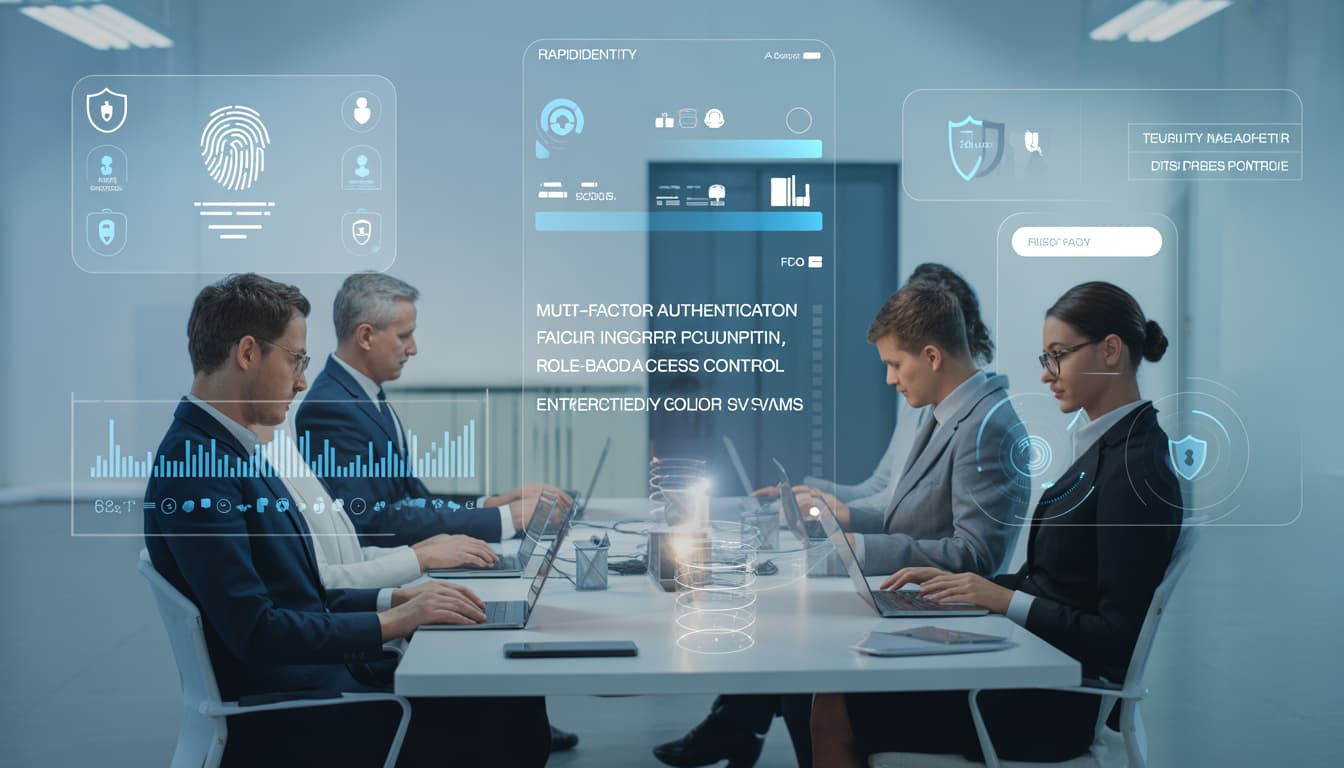
Multi-Factor Authentication (MFA)
RapidIdentity has Multi-Factor Authentication (MFA) for extra protection. Users need to provide two types of identification, such as a password and a code sent to their phone. This way, even if you are tricked into giving your password away, a thief can’t access your data.
MFA seriously increases security for students, staff and administrators. It guarantees that only the right ones can access the sensitive systems and always keeps both your personal and corporate data safe.
Role-Based Access
RapidIdentity’s Role-Based Access means permissions can be attributed to roles. So, the employee of the company (in finance) sees different information than does a teacher or a student. This stops unauthorized users from entering sensitive data.
There is the ability to secure private information and only provide users with what they need by controlling who has access. Role-based access also simplifies effectively managing large numbers of accounts, minimizing the possibility for errors and keeping systems secure without burdening everyday work.
Automatic Account Updates
AutomaticUpdates Useraccountsareautomaticallyupdated when changes occur, such as a change of role or departure from the organization. This removes the need for manual updates and allows you to avoid mistakes, ensuring permissions stay up to date. “It means that only the users we authorize have access to certain systems now. Automatic updates automatically make it happen.
It also saves time for administrators and IT staff. By not having to worry about this, organizations can attain higher levels of security and compliance, whilst end-users have all the access that they really need to be as productive as possible.
Audit Logs
In RapidIdentity, audit logs monitor usage for every system we use. Login, change or access attempts are all logged. These logs make it easy for administrators to quickly identify an anomaly or security threat. Audit logs also assist regulatory compliance by recording what actions occurred. This is a provision designed to introduce accountability and transparency.
Detailed, recorded data obviously has the potential to help organizations understand what happened so that they can investigate incidents, prevent abuse, and shore up overall security while enabling smooth operation for those with legitimate access.
Integration and Scalability

RapidIdentity integrates with virtually all applications and systems. RapidIdentity integrates with cloud applications, on-premise apps and hybrid systems , whether your organization has adopted any combination.
It is also scalable, so it can grow with your company. It may also help small companies, large schools or government agencies. Integration is simple, lessening its strain, while providing confidence in how systems are integrated and will work together.
The Future of Identity Management
How we manage identities has become a key component of life in the digital age. RapidIdentity is changing the game by blending automation, elasticity and simplicity.
As technology has advanced things like RapidIdentity have gotten better. AI and automation will make identity management far smarter, faster and more secure. A company that implements such systems now is a step ahead in this complex digital world of the future.
Conclusion
RapidIdentity streamlines identity management for educational institutions, corporations and government entities. The incorporation of good security and automation, presented in a user-friendly manner, makes the administrator’s and users’ jobs easier.
With RapidIdentity, account, permission and access management is no longer a complex issue. It saves time, cuts down on errors, and increases security. That makes it a must-have for organizations that desire such efficient, safe, yet modern identity management.
Frequently Asked Questions (FAQs)
1. What is RapidIdentity?
RapidIdentity is an IdP solution provided to organizations that enables its users manage user accounts, privileges and access rights in a fast and secure manner.
2. Who can use RapidIdentity?
From schools and businesses to government institutions, RapidIdentity can manage students, employee or staff and provide secure access to digital resources.
3. Is RapidIdentity secure for sensitive data?
Yes. RapidIdentity leverages multi-factor authentication, role-based access, and audit logs to keep sensitive data secure from the hands of malicious actors.
4. How does RapidIdentity save time?
It does the job of automatically adding, updating, and deleting accounts. Administrators don’t have to manually manage accounts, which saves time and minimizes errors.
5. Can RapidIdentity integrate with other systems?
Yes. RapidIdentity supports cloud, on-premises and hybrid systems – all from one platform, so you can easily control access to all of your applications.
6. Does RapidIdentity work for both small and large organizations?
Absolutely. RapidIdentity scales for small businesses, large enterprises and schools or government organizations with hundreds to thousands of users.